Don't Waste Your Money on Google Ads: 5 Checks Before You Spend More

Suley Tangun
Digital Marketing Specialist
Published · 9 min read
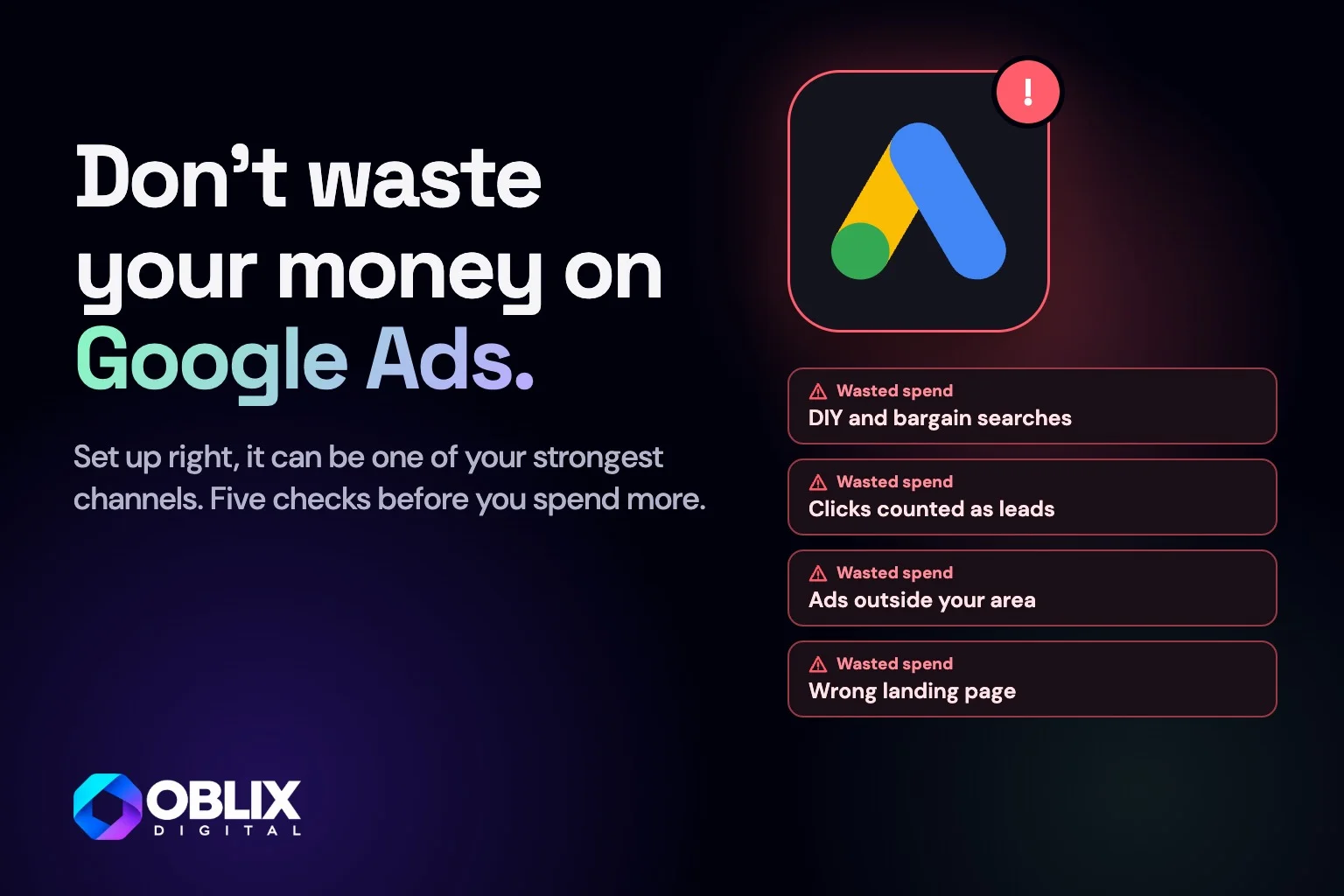
Searches like "DIY shutter kits", "how to fit shutters DIY" or "second hand shutters" can trigger the ads of a business that fits shutters. None of those people wants to buy, and you pay for the click. The five checks below stop that happening before you spend more: the search terms you exclude, the conversion goal Google bids for, your location setting, the page each advert leads to, and how you judge the results.
A well-planned Google Search campaign connects a relevant search with a clear advert and a useful destination. It also measures something the business actually wants. That sounds straightforward, but it is easy to launch with a long keyword list, a homepage link and several actions labelled as conversions without deciding what success should look like.
This guide is about building a focused campaign before launch. If a campaign is already spending without useful enquiries, the separate Google Ads troubleshooting guide covers where to investigate.

Swipe or scroll through, and tap a slide to see it larger
Choose one service and a clear commercial goal
Start with an offer you can explain and fulfil. A business providing installation, repairs and servicing may need different messages and landing pages for each, because someone searching for an urgent repair is making a different decision from someone comparing a new installation.
For an initial test, choose the service with a sensible commercial case and enough demand to investigate. Define a useful enquiry and decide which areas, kinds of work or customer types are outside the scope. Those decisions should shape the campaign rather than emerge after a stream of irrelevant calls.
Give the bidding system a goal worth pursuing
Configure conversion actions around genuine business steps such as completed enquiries, qualifying calls or purchases. Google distinguishes primary actions used for bidding in the relevant goal from secondary observation actions, with exceptions such as custom goals. Check the actual campaign goal configuration instead of assuming an event's name controls how it is used. In practice, tell Google to bid for completed enquiries and qualifying calls. Clicks on a "Get a price" button or a page view can stay as secondary actions you only watch.
For a lead campaign, a long page view or button click can be useful diagnostic information without deserving the same status as a successful enquiry. Test the action from start to finish and, where feasible, connect later lead quality or customer outcomes to reporting. Observe the applicable consent and data-handling requirements.
Group searches around what the customer needs
Build keyword themes around the service and buying intent. A practical starting group for a shutter installer might focus on installation enquiries, with a separate message for repairs if those are offered. The aim is a coherent relationship between the search, ad and page, rather than the maximum number of keywords in the account.
Keyword match types are not interchangeable, and broader matching needs appropriate goals, exclusions and review. Do not assume exact match means only one literal phrase, or that broad match is automatically wasteful. Choose a starting approach that fits the budget, evidence and management time available, then inspect what the campaign is actually attracting.
Plan exclusions as carefully as inclusions
Make an initial list of clearly irrelevant searches, such as do-it-yourself kits, fitting instructions or second-hand products where they do not match the offer. For a shutter fitter that means searches like "DIY shutter kits", "second hand shutters" and "how to fit shutters DIY", while "shutter installation near me" is exactly the search you want. Negative keywords can help exclude unwanted search terms, but their matching rules differ from positive keywords and do not automatically cover every close variant.
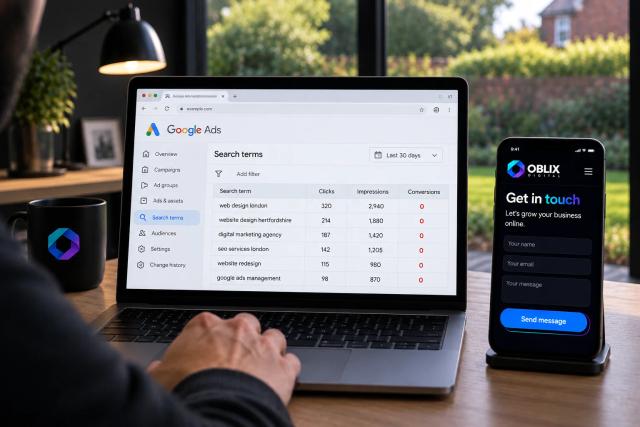
Review search-term reporting after launch (in Google Ads, the Search terms report under Insights and reports), tick the irrelevant searches and add them as negative keywords. Add exclusions thoughtfully. Blocking a vague word across the whole account can remove valuable demand as well as irrelevant visits. Google does not show every query in every report, so treat the visible terms as evidence rather than a complete transcript of all searches.
Check location controls against how the business operates
A local business should review both the geographic areas selected and the available presence or interest options for its campaign type. Google calls the two include options "Presence or interest" (people in, regularly in, or who have shown interest in your locations) and "Presence" (people in or regularly in your locations). If you only fit locally, "Presence" keeps your ads away from people far away who simply search about your area. Someone interested in a town is not necessarily there, which may matter for a service that only attends nearby properties. An interest-based setting may still make sense for other businesses, such as travel or relocation.
Location signals are imperfect, so review actual lead locations and exclude inappropriate areas where useful. Do not present a radius as a guarantee that no out-of-area customer will ever see or respond to an advert.
Make the advert and destination agree
If the advert promises a particular service in Hertfordshire, the landing page should confirm that offer and area promptly. Explain the scope, provide genuine evidence and make the next step clear. Relevant ad assets can add useful context, but they should support the message rather than repeat an exaggerated claim.
For example, an advert for bay window shutters should land on the bay window shutters page, with the heading and a "Get a price" button in view, rather than on the homepage where the visitor has to look for it.
Test the destination on a phone before launch, including form delivery, telephone links and booking confirmations. Send each distinct offer to the most relevant page rather than automatically using the homepage. The right destination may be an existing service page; you do not always need a separately designed campaign page.
Set a budget around a test, not a wish
Use planning estimates and commercial assumptions to decide what the business can afford to learn. A click forecast cannot promise a cost per customer, and a daily budget setting should not be confused with a fixed invoice for an identical amount every day. Check the platform's current spending rules and alerts when configuring the account.
Allow for media, management, tracking work and creative or landing-page changes when judging the cost of the project. Keep the first test focused enough that the available spend can teach you something, and agree what would justify continuing, changing or pausing it.
Review the quality of the work, not just the account score
After launch, inspect searches, relevant conversions, lead quality and commercial outcomes. Recommendations and optimisation scores can flag work to consider, but each change still needs to fit your objective. The optimisation score reflects Google's recommendations and your settings, not your margins or lead quality. A simple lead review (search, enquiry, outcome) tells you far more. Avoid accepting changes simply to make a score look complete.
Keep a short change log and compare results over a meaningful timeframe, allowing for the time customers take to decide. If you change the offer, targeting, landing page and bid approach together, it becomes much harder to learn which decision helped.
Use the advertising readiness guide if the foundations are still unclear. If you want a second view on the plan, send me the service, target area and intended result.
The bottom line
- Start with
- One coherent offer, search theme and destination
- Measure
- Genuine business actions with the right campaign goals
- Review
- Search relevance, location and lead quality alongside spend
- Conclusion
- Plan a useful test before trying to scale a campaign
Frequently asked questions
Should I send every Google ad to my homepage?
Use the most relevant useful page for the offer. An existing service page can work if it clearly answers the search and provides a reliable next step.
Are broad match keywords always a bad idea?
No. Suitability depends on the campaign's goals, data, budget and management. Understand how matching works and review the searches and outcomes rather than adopting a universal rule.
Does a high optimisation score mean my ads are profitable?
No. It reflects platform recommendations and configuration, not a complete assessment of your margins, lead quality or actual customers.
Should a button click be a primary conversion?
Only if that is genuinely the action the campaign should pursue. For an enquiry campaign, a confirmed successful submission or qualified outcome is usually more informative than an unverified click.
Why do my Google Ads show for searches I don't want?
Broader keyword matching can match searches such as "DIY shutter kits" to your keywords. Check the Search terms report and add clearly irrelevant searches as negative keywords.