Google Business Profile Tips: How to Get More Local Enquiries

Oblix Digital
Web design & SEO
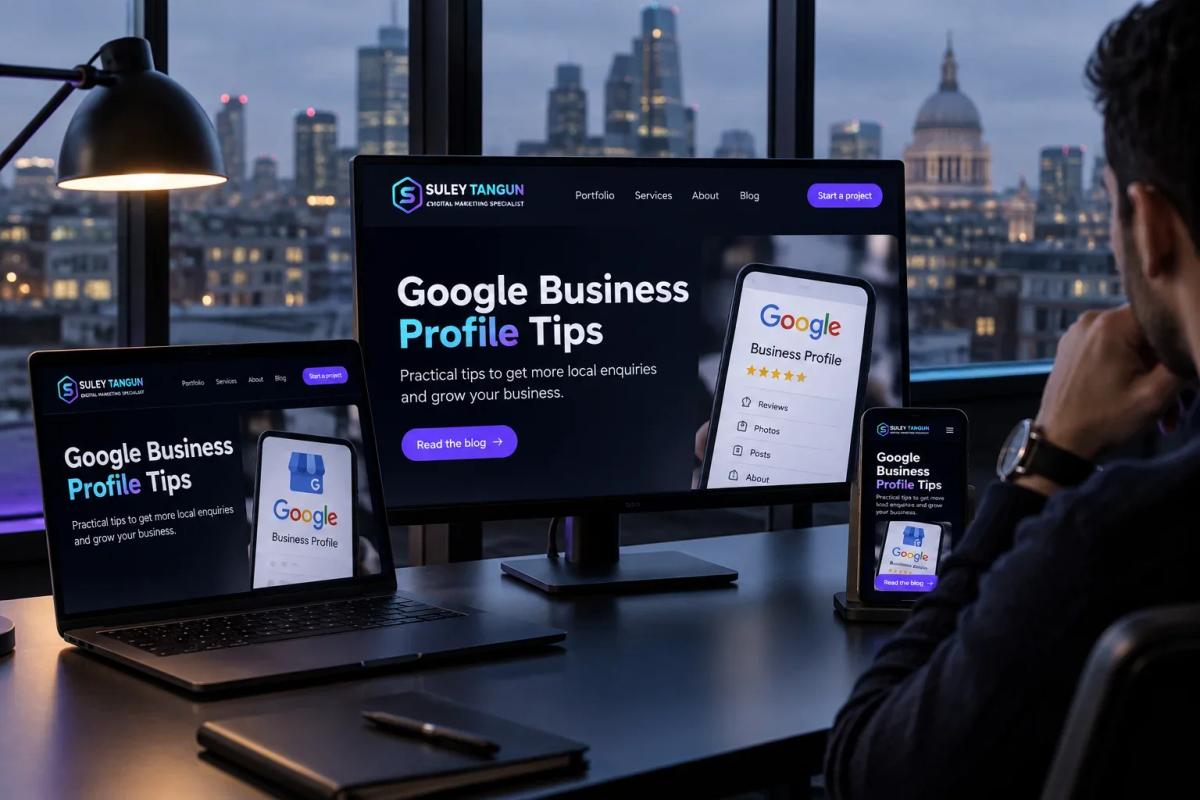
For a local business, the Google Business Profile is often the first thing a customer sees: opening hours, reviews, photos and a button to call, all before anyone reaches the website. A neglected profile can make a good business look closed.
These are the areas I would check, in roughly the order I would fix them.
Get the details people act on right
Name, phone number, website link, opening hours and the areas you cover. These are what someone uses to decide whether to call you, so they need to be accurate. If you close over Christmas or on bank holidays, add special hours. A customer who arrives to a locked door is unlikely to try again.
Pick the category that matches your main work
Your primary category has a strong influence on which searches you appear for, so choose the one that describes most of your work. Add secondary categories only where they are accurate. Keep the business name as your real trading name: adding phrases such as "Best Plumber Enfield" breaks Google's guidelines for representing your business.
Describe your services as you would on the phone
Fill in your services and a short description in plain language. Then make sure your website supports it, with a page for each main service and a clear list of the towns you cover. The profile earns the attention; the website does the persuading.
Use your own photos
Photos of your premises, your team and your finished work show that you are a real business. Stock images say nothing about you. Add new photos as you complete work you are proud of.
Ask for reviews when the job is done
The best time to ask is straight after a job has gone well. Send the review link directly so it takes the customer less than a minute. Reply to every review, positive or negative. In my view, a calm, constructive reply to a poor review can do more for you than another five-star rating, because it shows the next customer how you handle problems.
Never buy reviews or offer incentives for them. It breaks Google's rules and is not worth the risk.
Keep it current rather than busy
Daily posting is not necessary. Update the profile when something changes: new hours, a new service, new photos. A short post about a real offer or a recent project is worth more than filler published to look active.
Make your website tell the same story
Your profile and your website should agree on what you do, where you work and how to reach you. Inconsistencies give customers, and Google, less reason to trust either. Check the site on a phone as well, because that is where many people land after tapping through from the map.
What a profile will not do
No setting will put you at the top of Google Maps. Google says local results are based mainly on relevance, distance and popularity: how well you match the search, how close you are to the person searching, and how well known your business is. You can influence the first and part of the third. Be wary of anyone promising a guaranteed top position or offering to sell you reviews.
Where to start
Set aside half an hour, open your profile and work through this list. Most of it is free and can be done in-house. If you would like your profile and website reviewed together, local SEO is part of my SEO services for businesses in London and Hertfordshire. Get in touch to discuss it.
Sources
- Google Business Profile Help
- Google: Tips to improve your local ranking on Google
- Google: Guidelines for representing your business on Google
Related reading
Frequently asked questions
Is Google Business Profile free?
Yes. Creating and managing a profile is free for eligible businesses. If someone wants to charge you just to claim it, ask exactly what else the fee covers.
Do Google reviews improve local rankings?
They can help. Reviews contribute to how well known a business appears and help customers choose between you and the next listing. No number of reviews guarantees a position, and every review must be real and within Google's policies.