Could Your New Website Lose Your Google Rankings? Redesign Checklist

Suley Tangun
Digital Marketing Specialist
Published · 8 min read
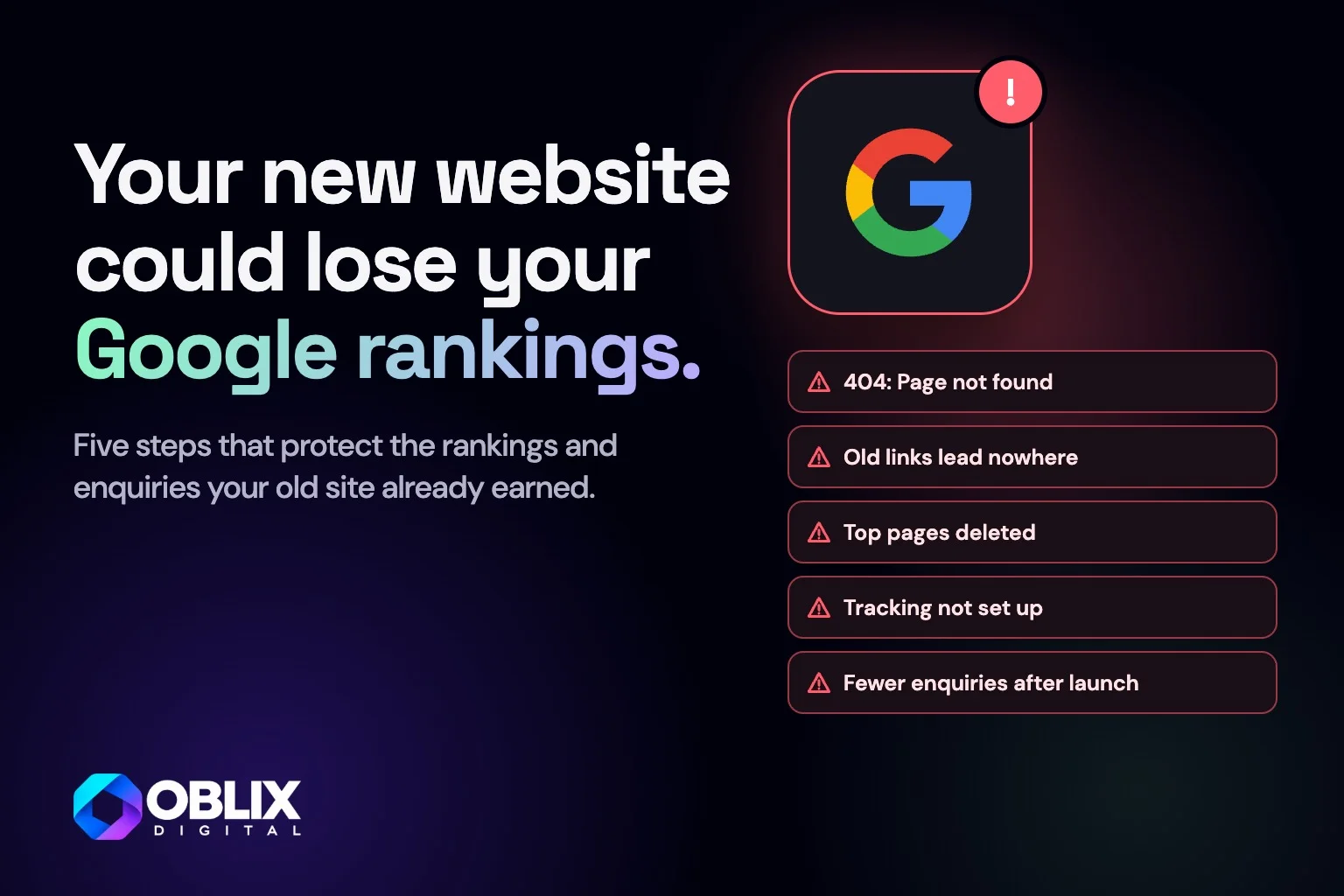
A website redesign checklist protects what your current site already earns you: its Google rankings, the links pointing at it and the enquiries it brings in. Most of that value is tied to your old page addresses and content. Change them without a plan and a better-looking site can bring in fewer enquiries than the one it replaced.
The bottom line
- What can go wrong
- Rankings, links and enquiries lost when old pages disappear without redirects
- Why plan first
- It saves months trying to win back traffic you already had
- What to do
- Do this planning before design starts
- Conclusion
- Planning costs far less than fixing a traffic drop after launch
1 year+
How long Google says to keep redirects from your old pages in place
A few weeks
How long Google says a medium-sized site can take to show its new addresses in results

Swipe or scroll through, and tap a slide to see it larger
Why can a website redesign lose you Google rankings?
Google ranks individual pages, each at its own address (URL). When a redesign changes those addresses, removes pages or rewrites what they say, Google has to work out the new site again.
Visitors and links that point at an old address hit a page not found error instead. Google says to expect some temporary movement in rankings during any site move, even a careful one. A careless one can turn that dip into a lasting drop.
Step 1: List what your current site already earns
Before anyone sketches a new design, find out which pages bring in traffic, links and enquiries.
Every URL. A crawler such as Screaming Frog, or your current sitemap, will list them in minutes.
Top pages in Search Console. Google's free Search Console shows which pages get clicks from Google search.
Pages other sites link to. Links from other websites carry trust you don't want to throw away.
Pages that lead to enquiries. Your analytics shows which pages people visit before they get in touch.
Put all of this into one spreadsheet. It becomes the map for every step that follows.
Step 2: Decide which pages to keep, merge or drop
A redesign is a good time to tidy up. Cutting a page that ranks is the most expensive mistake you can make at this stage.
Keep. Pages that rank, get links or bring enquiries. Improve the design and wording, but keep the topic and ideally the same address.
Merge. Thin pages on the same subject can become one stronger page, with the old addresses redirected to it.
Drop. Only pages with no traffic, no links and no purpose. Redirect them to the closest relevant page if there is one.
When I rebuilt Aspen Rose, a garden maintenance company in Enfield, off WordPress, all 35 old blog posts were kept, each on its own page under /blog, and both of the old addresses some posts had now lead to that post. The five seasonal service pages (spring, summer, autumn, winter and year-round) were merged into one Services page, and the old author and archive pages now point to the blog.
If you rewrite a page that ranks, keep the words people search for and the questions it answers. Rewriting it into something vaguer can cost you the very rankings you set out to protect.
Step 3: How to map old URLs to new ones with 301 redirects
Google says it is important to map your old site's URLs to the new ones, and recommends permanent redirects such as 301. A 301 is a code that tells browsers and Google a page has moved for good, so visitors land in the right place and the old page's value carries across. A 308 does the same job, and Google treats both as permanent.
One to one. Send each old page to its closest new equivalent, not everything to the homepage.
No chains. Redirect straight from the old address to the final one, without stops in between.
Leave them in place. Google recommends keeping redirects for as long as possible, generally at least a year.
Update your own links. Menus, links inside your pages, your Google Business Profile and social profiles should point at the new addresses directly.
On the Aspen Rose site, for example, the old address /services/seasonal-services now goes straight to the new mulching page with a single permanent redirect.
Step 4: Keep your tracking working through the switch
If analytics breaks at launch, you can't tell whether the redesign helped or hurt. Without a baseline, a drop in enquiries can go unnoticed for months.
Record a baseline. Note monthly visits, top pages and enquiries on the old site before launch.
Carry your tracking over. Use the same analytics property and the same conversion events (recorded actions, such as a form being sent), installed and tested on the new site before it goes live.
Keep Search Console connected. Make sure the new site is verified and submit the new sitemap. Google says you can remove the old sitemap once it is using the new one.
Changing domain as well? Use Search Console's Change of Address tool. Google says it is only needed when moving from one domain or subdomain to another.
The cheapest time to protect your rankings is before the redesign starts. The most expensive is three months after launch, when enquiries have already dropped.
Step 5: Check everything on launch day and in the weeks after
On the day, test a sample of old addresses, starting with your top pages, and make sure each one lands on the right new page. Then run my website launch checklist for forms, tracking and Google settings.
For Aspen Rose I tested all 58 old addresses: each one goes to the right new page in a single step, and that page loads properly.
For the next few weeks, compare visits and enquiries against your baseline. Watch Search Console for pages Google can't find, and add any missing redirects as they show up.
Questions to ask whoever is redesigning your website
Will you map and test a redirect for every old page?
Which existing pages are you keeping, and what is changing on them?
Will analytics and conversion tracking be live and tested before launch?
Who checks Search Console in the weeks after launch?
Clear answers to all four suggest they have done this before. If some of the terms are new to you, my guide to technical SEO explains them in plain English. Planning a redesign and want to keep what your current site already earns? Get in touch and I'll look at what needs protecting.
Frequently asked questions
Will redesigning my website affect my Google rankings?
It can. Google says to expect some temporary movement during any site move. Mapping 301 redirects, keeping pages that rank and watching Search Console after launch keeps the risk of a lasting drop low.
How do I redesign my website without losing SEO?
List the pages that bring traffic, links and enquiries, keep or improve them, and redirect every old address to its closest new page with a 301 redirect. Keep analytics and Search Console running so you can spot problems early.
How long should I keep 301 redirects after a redesign?
Google recommends keeping them for as long as possible, generally at least a year. Google adds that keeping them indefinitely can still help visitors.
Should I redirect old pages to my homepage?
No. Redirect each old page to its closest new equivalent. Sending everything to the homepage loses the relevance the old page had.
Do I need to tell Google about a redesign?
Submit the new sitemap in Search Console. If you are also changing domain, Google says to use the Change of Address tool, which isn't needed for moves within the same domain.
When should I plan redirects for a new website?
Before design starts. Knowing which pages to keep shapes the new site's structure, and the redirect map should be ready and tested before launch day.